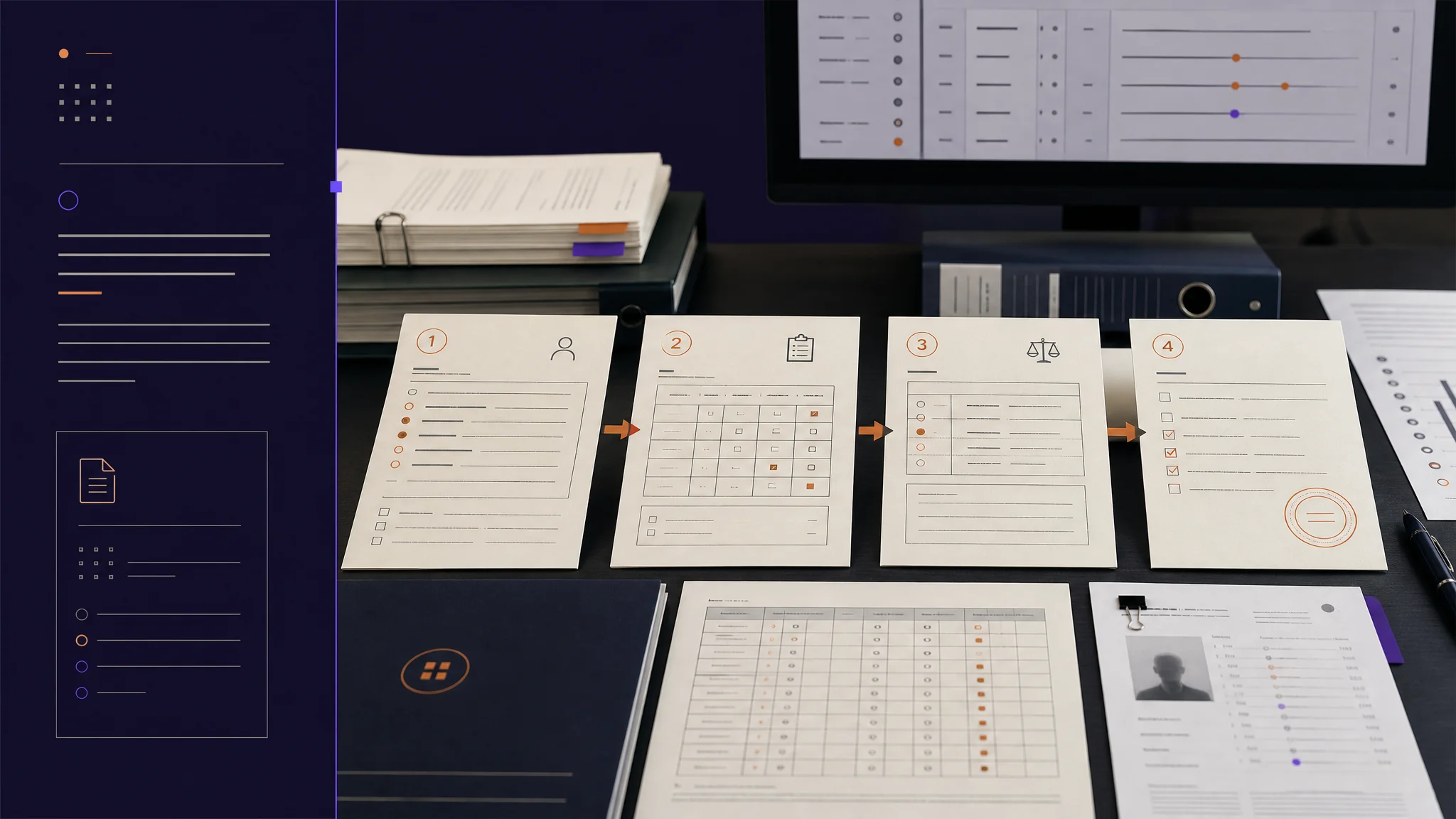
Patient safety is a patient-level question, not an encounter-level one. This week we consolidated the longitudinal view, made the encounter-level review action explicit, and unified the substrate so the same data flows through web and mobile identically.
A patient-level view and an encounter-level review
Patient safety in oncology trials is fundamentally a patient-level question. The Data Safety Monitoring Board does not ask about a single encounter. It asks about the trajectory of adverse events for a patient across the trial. Until this week, answering that question on the platform meant navigating into each encounter individually, which on patients with long histories took fifteen to twenty minutes per assessment.
We consolidated the longitudinal view into a single query and a single screen. We also made the encounter-level review action explicit: a clinician now accepts, edits, or adds adverse events directly from the encounter view, with a tracked review status that the audit trail reads. And under the surface, we unified the type system and filter language across the web and mobile applications so that what the coordinator sees on a phone matches exactly what their colleague sees on a desktop.
Here is what shipped, why it matters, and what is next.
Feature Highlight 1: Patient-level adverse event aggregation
A new patient-level query pulls graded adverse events across up to one hundred encounters for the same patient, filters out soft-deleted and archived records, and presents the result as a single chronological list. Grade badges (G1 through G5) carry severity-appropriate color. Review status (Pending, Accepted, Rejected) is visible at a glance. Each row links back to the encounter where the event was graded for deeper investigation.
The use case this enables is DSMB review. The committee needs the safety overview without traversing the full clinical record. The new view delivers that overview without losing the citation chain back to the source encounter.
Feature Highlight 2: Accept, edit, add at the encounter view
Clinicians reviewing AI-suggested adverse events on an encounter can now take action without leaving the encounter view. One click accepts a suggestion, marking it clinician-verified. Edit opens the grade, the clinical evidence, the rationale, and the drug attribution causality for revision. The clinician can also add an adverse event the AI did not surface, with the full term, grade, and evidence fields.
Every action writes to a tracked review status (Accepted or Edited), so the audit trail reads as a continuous record of clinical decisions, not as a series of disconnected AI outputs and human overrides. The principle stays the same: AI suggests, clinicians decide.
Feature Highlight 3: Unified grading substrate across web and mobile
A significant under-the-surface change this week unified the type definitions, the workflow identifiers, and the filter semantics for graded events across web and mobile. Previously each platform had its own copy, which produced subtle behavioral drift. A coordinator filtering for "pending review" on the phone sometimes saw a different result than their colleague filtering for "pending review" on a desktop.
The shared types now live in one place. The shared filter status is a single typed enum used by both surfaces. Mobile now automatically triggers the CTCAE workflow on encounter open, mirroring the web. The downstream effect: data flows through both platforms identically, which removes a class of discrepancy that previously needed manual reconciliation.
Feature Highlight 4: Review status synchronization
A trigger-based reconciliation now synchronizes the workflow review state back to the visit record whenever a review is saved. The reconciliation compares AI-suggested graded events against the reviewed edits and computes a deterministic status (Pending Review, Accepted, Rejected), then updates the visit record and the encounter list filter index in a single transaction.
The downstream effect: the encounter list filter on "Accepted" or "Pending Review" reflects the real review state, not an approximation.
Improvements
- Encounter audio playback with secure, time-limited URLs (one hour for playback, fifteen minutes for download)
- Patient encounter sidebar with collapsible adverse event rows and paginated loading
- Reusable patient assignment components replacing about two hundred lines of duplicated UI code
- Design token enforcement across approximately three hundred and seventy files for consistent light and dark modes
- Mobile multi-step retry now tracks the last successfully completed step to avoid re-executing successful work
Bug fixes
- Fixed: deployment build errors in the marketing site
- Fixed: invalid component prop types in select and button surfaces
- Restored: accessibility attributes on the audio player controls
- Corrected: navigation paths between
/encounter/and/encounters/
Code health
This week's work cleaned up about three thousand lines of deprecated modules (a memories module, several workflow dialog components, and a set of demo components), while adding all of the functionality above. Net direction: more capability per line.
Looking Ahead
Next: deeper analytics on AE patterns at the patient level, broader EHR integration for pulling encounter context, and expanded patient-reported outcome capabilities.
More Friday updates at burna.ai/blog.