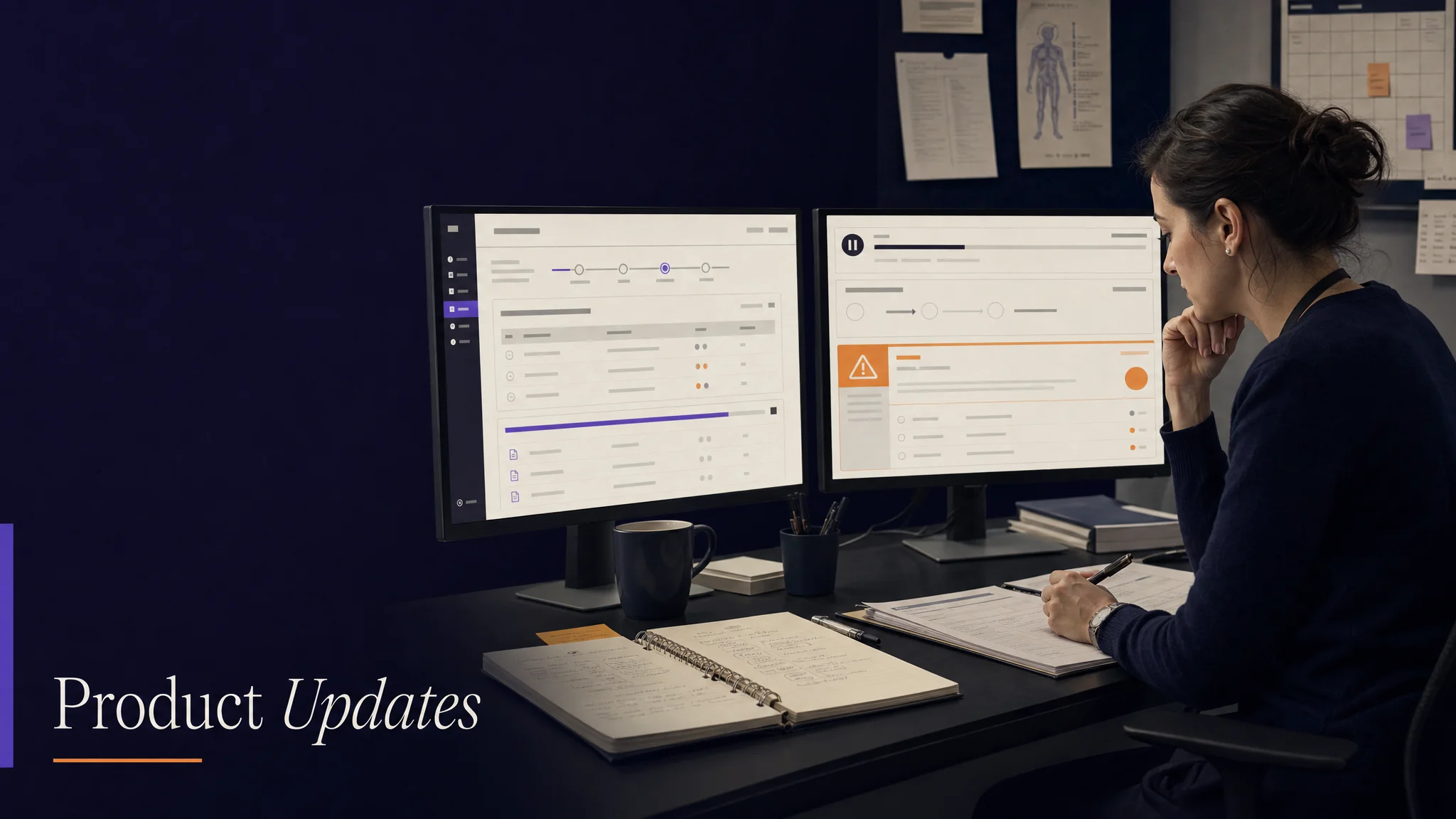
Clinical environments are unpredictable. Networks drop, devices reboot, apps crash mid-recording. This week we made the platform resilient to all of that, and added a one-click export for the moments when audit visits come without warning.
A week about resilience under realistic clinical conditions
Clinical environments are unpredictable. Networks drop, devices reboot mid-recording, apps get backgrounded by an incoming call. Conventional clinical software treats those interruptions as terminal events: start over. The aggregate cost is significant. Coordinators learn not to invest in a workflow they cannot trust will preserve their work.
This week we made the platform resilient to those interruptions. A failed multi-step workflow now resumes from the last successful step rather than from scratch. Clinical data exports compile in one click for the audit visits that arrive without warning. And the mobile navigation now matches the rhythm of clinical work rather than fighting it.
Here is what shipped, why it matters, and what is next.
Feature Highlight 1: Workflow resumption from the last successful step
Recording a patient encounter, generating clinical notes from the recording, running CTCAE analysis on the notes, and producing a grade is a four-step pipeline. Today, if step three fails because of a momentary network drop, conventional clinical software discards steps one and two and asks the coordinator to start the recording over.
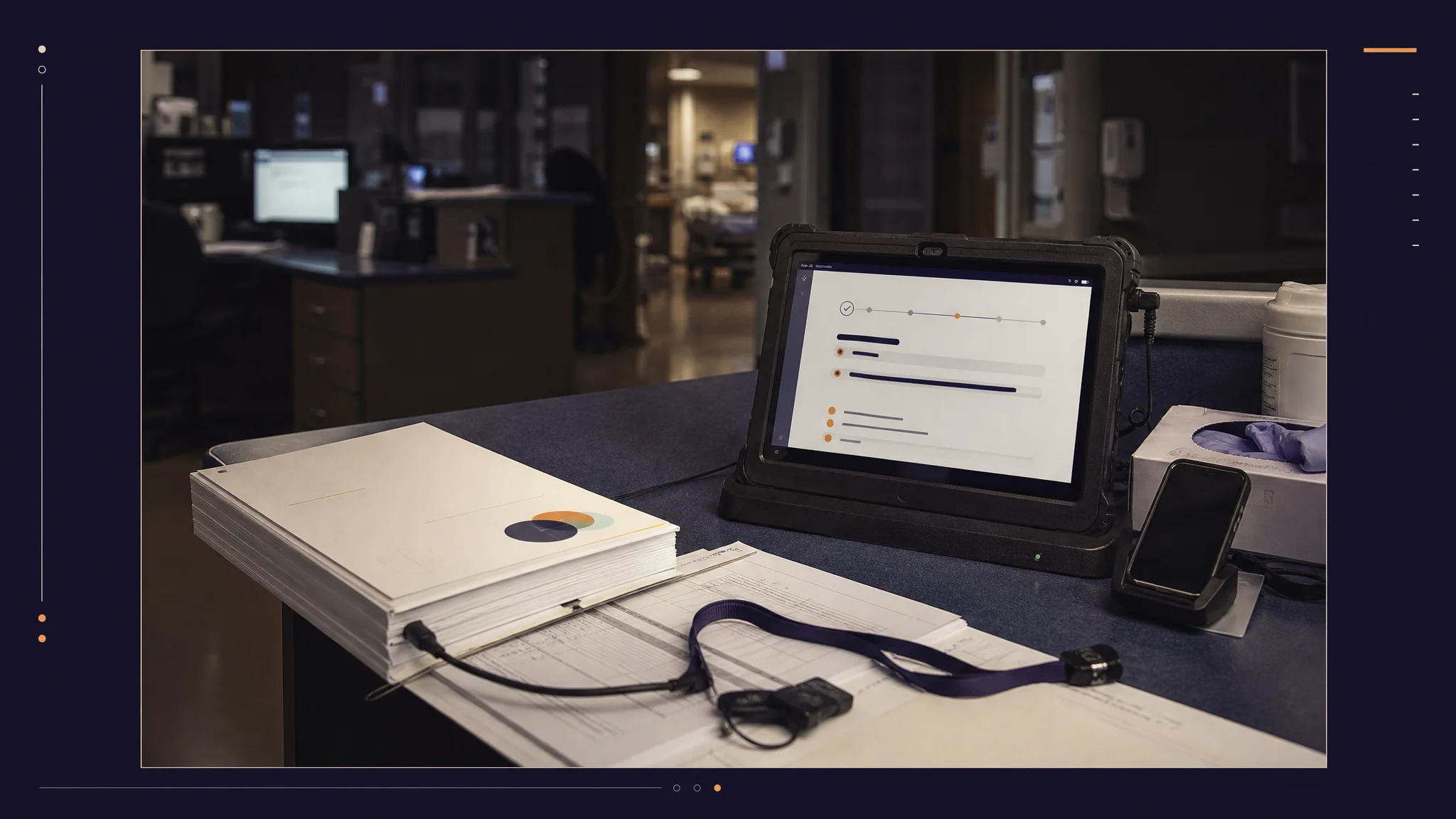
The grading pipeline now tracks step-level state. When a step fails, the platform preserves the completed work and presents a Retry control that re-executes only the failed step. The recording, the transcription, and any partial analysis state remain intact. A progress indicator shows which step is running, which has completed, and which has not yet started.
The architectural commitment under this is that workflow state is a first-class persistent thing, not a transient artifact of the current session. A coordinator can lose connectivity, close the app, switch to triage another patient, return ten minutes later, and resume.
Feature Highlight 2: One-click clinical data export
Regulatory compliance is not optional. When an auditor asks for a coordinator's CTCAE grading history or the clinical decision logs for a specific patient, the answer needs to materialize quickly and completely. Manually gathering this data from multiple screens was previously the failure mode.
The new export view consolidates everything in one place. The coordinator selects what they need: clinical session notes, CTCAE grading history with full citation chains, clinical decision logs with audit trails. The platform packages it as an organized archive, with metadata, timestamps, and formatting that aligns with common regulatory expectations.
The point is not just speed. The point is that the data the coordinator hands the auditor matches the data the platform actually holds, with no manual stitching step in between.
Feature Highlight 3: Mobile navigation that matches the work
The mobile app now uses dedicated tabs for Search, Record, Cases, and Settings. Each top-level function is one tap away. Loading states use skeleton placeholders that show what is loading, so the app communicates clearly rather than appearing stuck. Dark mode now meets readability thresholds on every screen.
Beneath the visual changes: fifteen-plus mobile screens migrated to the unified design system. Patient search runs server-side rather than client-side, so the result set scales with the patient roster rather than degrading.
Improvements and bug fixes
- Reduced inline styling by about two hundred lines, which trims startup time on lower-end devices
- Unified styling across all mobile screens
- Settings modal redesigned for clearer organization
- EHR integrations page now shows branded provider identities (Epic, Oracle Health, AthenaHealth)
- New ICD-10 codes panel surfaces diagnostic-code mappings with confidence
- Quick-tag chips for the most-searched CTCAE terms (anemia, neutropenia, nausea)
- Fixed: loading indicators not appearing during profile-photo upload
- Fixed: adverse-event acceptance occasionally failing to show confirmation
- Fixed: recording completion sometimes appearing stuck on screen
- Fixed: dark-mode text contrast on a subset of screens
- Fixed: missing dependencies in mobile callback hooks causing occasional crashes
Looking Ahead
Next: deeper patient management filters, continued grading-pipeline performance work, and broader EHR data sync at the encounter level.
More Friday updates at burna.ai/blog.